voxtype 1.1.0 brings Whisper to Intel NPUs through a new OpenVINO engine, makes your text rules apply everywhere they should have all along, teaches the Quickshell OSD to follow your Omarchy theme and wear entirely different looks, and ships a binary for CPUs without AVX2. Everything in 1.0.1 is included.
Intel OpenVINO engine: Whisper on CPU, iGPU, and NPU (#547)
A new openvino engine runs Whisper through Intel's OpenVINO GenAI runtime, including the NPU on Core Ultra laptops. 33 models are available through voxtype setup --download, served from models.voxtype.io with sha256-verified manifests.
Why use it: on a Meteor Lake NPU, dictation runs at a fraction of the power the CPU or iGPU would draw. On battery, that is the whole story.
Two things to know. You need Intel's OpenVINO GenAI runtime installed; voxtype loads it only when this engine is selected, so nothing changes for anyone else. And the multi-minute first compile of a large model on NPU happens during voxtype setup, where you expect to wait, instead of silently stalling your first recording (#698). A compile failure is a warning, not a broken setup: the runtime falls back NPU to GPU to CPU.
Contributed by Jacob Mink, with testing, the device fallback chain, and a missing-file fix from tslove923.
Your [text] rules now run on every path that produces text (#669, #581)
Replacements and spoken punctuation only ever applied to hotkey dictation. Streaming output and voxtype transcribe silently skipped them: the daemon logged your rules as loaded, then never consulted them. Both paths now apply your rules when text is committed.
Why it matters: if you use replacements with a streaming engine, your output will change in this release without any config edit. That is the fix working. Reported by Marc Lavallee.
The Quickshell OSD follows your Omarchy theme live (#705)
Switch your Omarchy theme and the OSD recolors itself in place, no restart. A small follower process watches the theme directory and rewrites the OSD's runtime palette when it changes; its lifetime is tied to the OSD itself, so it never outlives it and costs nothing when Omarchy is not installed.
Why use it: the OSD stops looking like a sticker from another desktop. It picks up your accent, foreground, and background colors the moment the rest of your desktop does.
OSD style packages and recipes
The OSD's look is now swappable. A style package is a directory of QML dropped into ~/.config/voxtype/osd/ (or shipped system-wide in /usr/share/voxtype/osd/), selected with one config key:
[osd]
style = "aegis-hud"
Recipes are lighter: preset [osd] configurations that restyle the built-in components without any QML. Styles are discoverable everywhere: voxtype info styles lists what is installed, the TUI has a style picker with descriptions, the Omarchy settings panel gets a working Style dropdown (#710), and voxtype config set osd.style round-trips cleanly. A style that ships its own palette keeps it; styles without one follow the Omarchy theme like the default does.
Built on the styling groundwork contributed by OldJobobo.
A binary for CPUs without AVX2 (#612, #740)
Every prebuilt x86-64 variant required AVX2, so pre-Haswell machines crashed with SIGILL, and the crash message told them to switch to the binary they were already running. There is now a baseline variant built for x86-64-v2 (Nehalem 2008 and later), shipped in the deb, the rpm, and the AUR packages. The OSD binaries are built to the same floor, so those machines get an OSD too.
Getting this one honest took two tries. The release-candidate baseline builds passed every startup check and then SIGILLed at first inference, because the build flags meant to constrain the bundled whisper.cpp never reached its build system. ironbract diagnosed it on an Ivy Bridge i7-3520M, down to the faulting instruction, and confirmed the fix on the same machine. CI now runs real inference on every baseline artifact under a QEMU-modeled v2 CPU, so this failure class cannot ship silently again.
A panicked transcription no longer poisons the engine (#643)
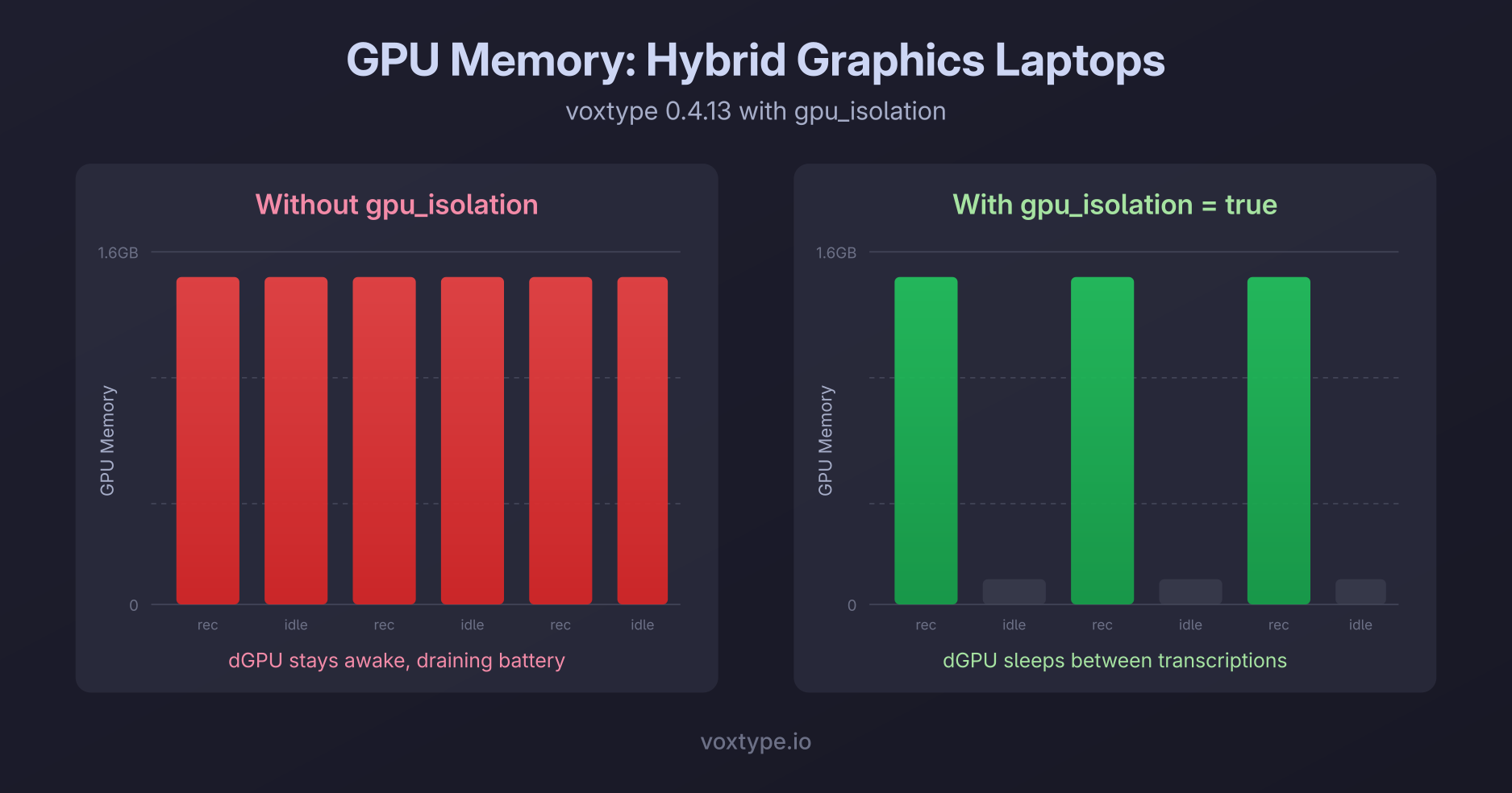
1.0.x only recovered Whisper. The cached transcriber is now dropped and re-created after a panic on every engine, including the new OpenVINO one. A hard abort inside a native runtime is still what gpu_isolation is for.
Config that survives one bad value (#646)
One unreadable value used to stop the daemon and cost you every setting you had. The config now parses section by section: the bad section falls back to defaults and is named in the log, everything else survives. Section names only, never values, because those sections hold API keys.
Bug fixes
- The GTK4 OSD sidesteps a GTK heap corruption in Wayland dmabuf-feedback handling that crashed it every few minutes to hours on AMD iGPUs (#656)
voxtype setup --downloadcan now fetch models for every engine, not just Whisper, Parakeet, and SenseVoice (#687)- Removed moonshine-tiny-ja and moonshine-tiny-zh: upstream never published a decoder these builds can run (#694)
--versionprints1.1.0+g<sha>on untagged source builds, so a development binary can no longer pass itself off as the releasevoxtype setup quickshellfails loudly when the qmldir declares components the install did not ship (#697)- Feature probes use raw CPUID instead of a macro that statically evaluates to true in feature-compiled binaries
- The macOS build of the Quickshell launcher compiles again: the theme follower's lifetime pipe uses portable pipe+fcntl instead of Linux-only pipe2
Thanks
To Jacob Mink for the OpenVINO engine, tslove923 for NPU testing and fixes, OldJobobo for the OSD styling groundwork, ironbract for the pre-Haswell diagnosis and hardware verification, Marc Lavallee for the text-rules report, and everyone who ran the five release candidates on hardware we don't have.